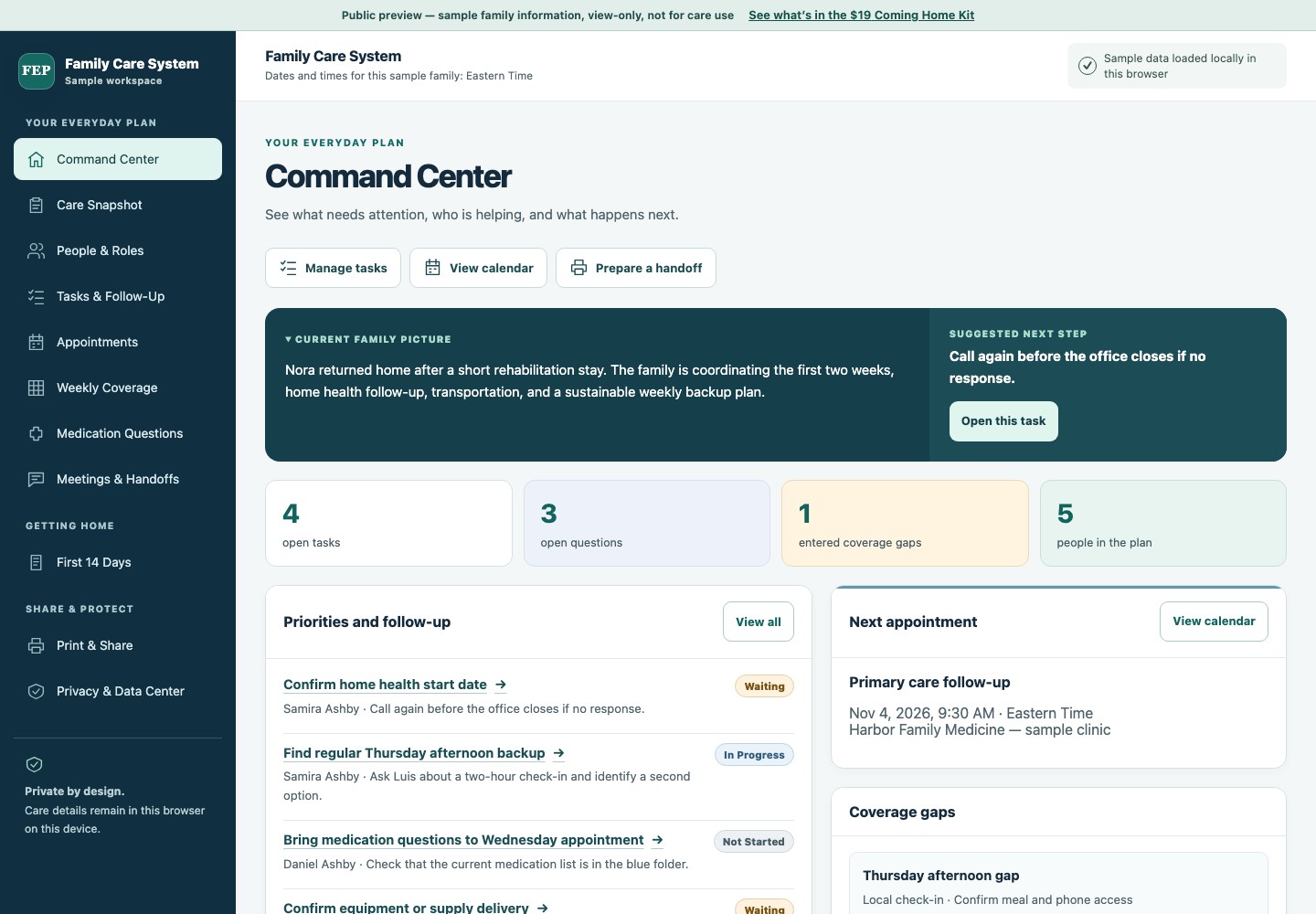
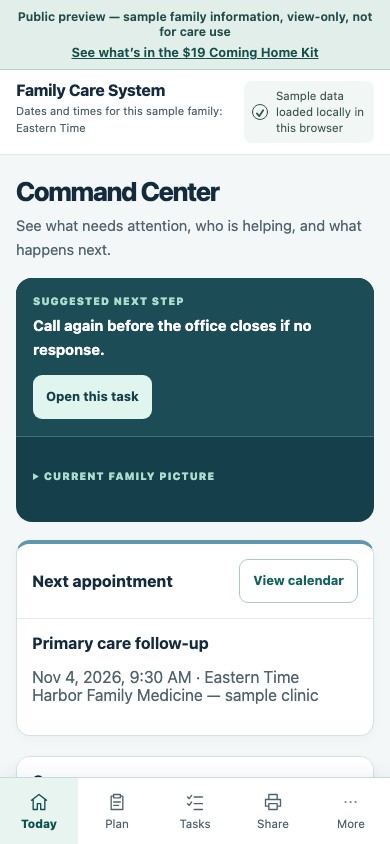
Command Center & Care Snapshot
See priorities, the next appointment, open questions, and coverage gaps.
ONE PLACE FOR THE CARE DETAILS
Keep tasks, visits, and care questions together as your parent comes home and as care needs change.
The free discharge planner needs no account or payment.
Your unshared plan stays in this browser. Choose Start sharing to create an online copy for your family.
$19 once. No subscription. The Coming Home Kit includes the private browser planner and pages to print for one family care situation.

FOR THE PEOPLE YOU LOVE
When calls, appointments, and offers of help pile up, give each next step a place in the plan.
WHEN THE DETAILS ARE SCATTERED
A visit time can get buried in a thread. A task in a document may still have no owner or due date.
WITH THE CARE SYSTEM
Put the visit, ride, questions, and follow-up in one private plan. Choose the details for a printed handoff, or share the whole plan online.
A REAL LOOK INSIDE
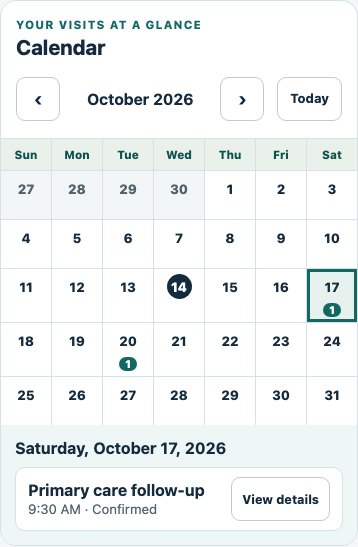
See who is following up, when the visit is, and what still needs an answer.

Browse the view-only sample without entering family information.
WHAT IS INCLUDED
Use it for the first two weeks at home and as care needs change.
See priorities, the next appointment, open questions, and coverage gaps.
Keep an owner, due date, backup, and next action beside each task.
Keep visits, rides, and family availability in the same plan.
Record questions and the answers you receive from a pharmacist or clinician.
Keep decisions and next steps ready for whoever helps next.
Choose details for a visit, handoff, weekly plan, or emergency summary.
THE FIRST DAYS HOME
Follow 19 guided topics for discharge instructions, medication changes, home setup, visits, and handoffs. The tasks and questions you add stay in the same plan.
START WHERE YOU ARE
FREE
Make a first plan for coming home. No account, email, or payment needed.
Get started for free$19 ONCE · NO SUBSCRIPTION
Keep an ongoing private plan for one family care situation, with pages to print when you need them.
Get the Coming Home KitHave a sponsored invitation? Use the private activation link from your agency.
Your private browser planner and printable Home Kit pages, for one family care situation. Pay once; no subscription.
Your unshared plan stays in this browser. Share a separate online copy for family updates.
At checkout and on your receipt, this purchase is called the Family Care Coordination System.
7-day refund promise. If it is not useful within seven days of purchase, contact support for a refund. Read the refund policy.
Checking secure checkout availability…
See Mom’s sample answers become a care snapshot, a helper and a next task.
When you’re helping someone you love, there’s a lot to think about.
The Family Care Coordination System helps you bring those details together.
Start with who needs help and what’s happening. Here, Mom is settling in after a hospital stay.
Her follow-up visit needs confirming. That’s what matters most.
Add a helper if someone’s available. Here, Rosa can help.
The next step becomes one clear task: call the clinic to confirm Mom’s visit.
Skip any question. Save your progress and come back.
Review your answers, then add them to your plan. The details and next step are now together—a manageable starting point.
Your plan saves in this browser on this device. You can export an optional Family File backup.
You don’t need every answer today. Start with one useful next step.
Open your plan in the same browser and device.
To open it in another browser, use the link in your purchase email. It works for 7 days. If it has expired or you can’t find the email, get a new access link by entering the email you used at checkout.
Get help with access, recovery, and backupsAlready bought the $5 Home Kit? Contact us about a possible $5 credit.
YOUR PLAN, YOUR CHOICE
Review and confirm before your whole plan is copied online. Invited relatives can then see updates to the shared copy. Your original local plan stays separate.